What a Dash Cam Actually Records
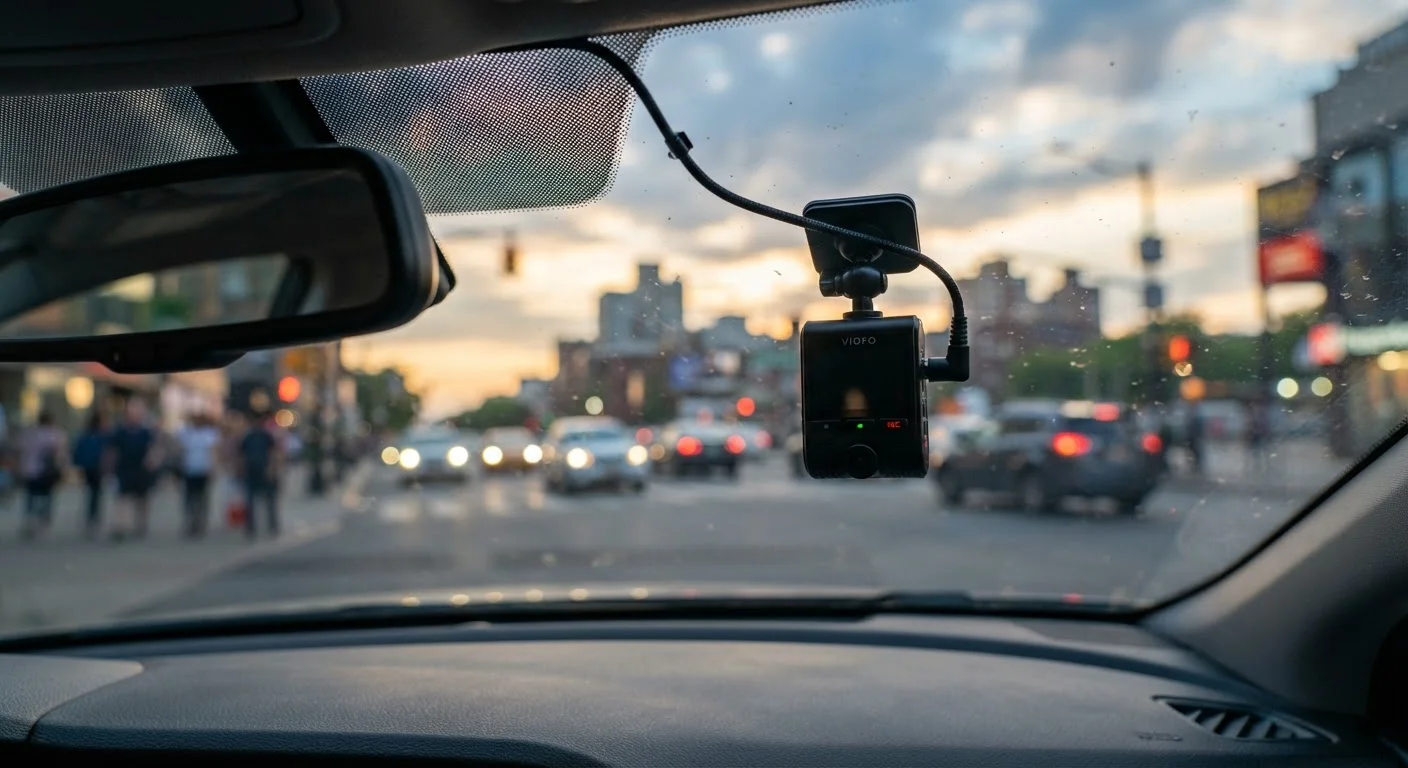
A standard single-channel dash cam captures continuous forward-facing video, typically in a loop that overwrites the oldest footage once storage fills. Most modern units record at resolutions between 1080p and 4K, embedding GPS coordinates, speed data, and timestamps when those features are enabled. This makes the footage useful not just as video evidence but as a basic trip log.
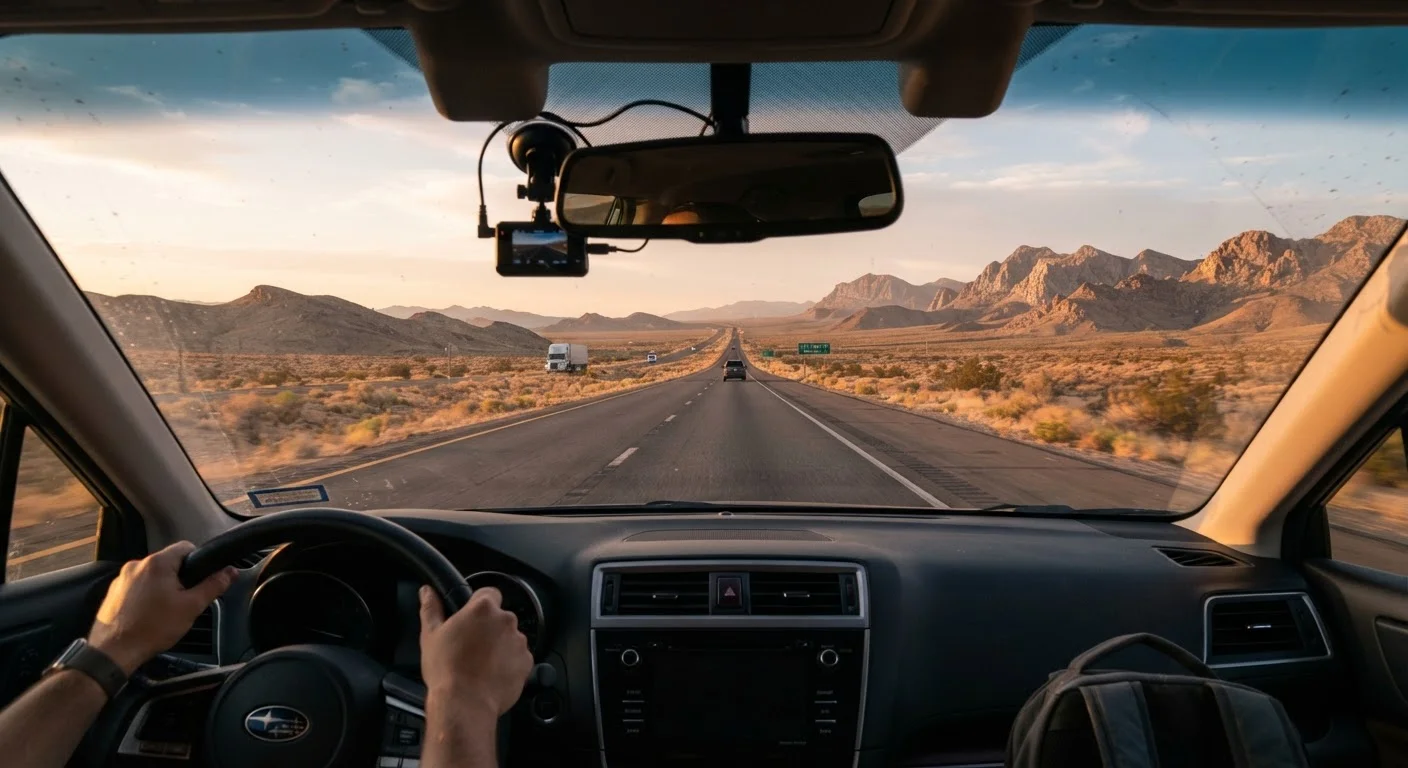
Higher-end systems add a rear-facing camera that mounts inside the back windshield, and some include an interior-facing lens aimed at passengers or cargo. These multi-channel configurations get significantly closer to full situational coverage - relevant if you're concerned about rear-end collisions or want documentation of what's happening inside the cab.
For a fuller picture of how you power these systems on the road, see our look at hardwired vs. plug-in dash cam setups, since power method affects whether parking-mode recording is even possible.
Objective record of forward-facing incidents
Timestamped, GPS-tagged video gives you a factual account of what occurred, which can be decisive in disputed fault situations with insurers or in civil proceedings.
Passive operation requires no driver input
Once configured, a dash cam records automatically on ignition - there's nothing to remember or activate, which matters on long, fatiguing drives.
Parking mode catches stationary incidents
Hardwired units with parking mode can record motion-triggered events while the vehicle is unattended, useful at unfamiliar overnight stops.
Trip data logging alongside video
GPS-enabled units embed speed and location data into footage, which can corroborate your account of events or serve as a basic route record.
Generally low ongoing cost
After the initial purchase, most dash cams require only periodic memory card maintenance - there are no subscription fees for basic recording functions.
Where Dash Cams Fall Short
The most common misunderstanding about dash cams is the assumption that they cover everything. A single front-facing unit records only what's directly ahead - it won't capture a vehicle running a stop sign from a side street until that vehicle is already in frame, and it won't document a hit-and-run that strikes the rear bumper while parked.
Loop overwriting is another practical limitation. If an incident occurs but you don't manually lock or save the clip shortly afterward - or if the camera loses power in a collision - that footage may be gone. Some units include G-sensors that automatically lock footage when an impact is detected, but these sensors vary in sensitivity and can miss low-speed scrapes.
Environmental factors compound these gaps on long drives. Direct sunlight can wash out forward video during certain times of day. Extreme heat - common in parked vehicles in summer - can damage memory cards and cause units to shut down. Night recording quality on entry-level cameras is often insufficient to read license plates at highway distances.
Single-channel units miss rear and side events
A front-only camera won't document a rear-end collision, a sideswipe from a blind spot, or a hit-and-run on a parked vehicle - scenarios that are common on road trips.
Loop overwriting can erase critical footage
Without manual clip-locking or a reliable G-sensor, footage from an incident can be recorded over before you realize what happened, especially if the camera loses power.
Heat and glare degrade performance on long drives
Parked vehicles in summer sun can reach temperatures that damage memory cards or shut down cameras entirely, and direct sunlight causes lens flare that obscures forward video.
Night recording quality often insufficient for plates
Entry-level sensors struggle in low-light highway conditions, frequently failing to resolve license plate numbers at distance - the detail most needed after a hit-and-run.
Audio recording may carry consent requirements
Several US states apply two-party or all-party consent rules to in-vehicle audio recording, meaning recording passenger conversations without disclosure could create legal exposure.
Legal Considerations and Practical Usefulness
Dash cam footage has been used successfully in insurance disputes and civil proceedings across the US, but its admissibility and weight vary by state. Generally, footage you recorded in a public space is legally yours to retain and present. However, some states have restrictions around recording audio in the vehicle without consent from all parties - worth checking if your unit records sound.
Audio Recording Laws Vary by State
In the US, federal law permits recording a conversation if at least one party consents - meaning you can record yourself. However, a number of states, including California, Florida, and Illinois, require all parties in a conversation to consent to being recorded. If your dash cam records audio and you regularly carry passengers, it's worth reviewing your state's wiretapping statutes or disabling audio capture. This is general information; consult a legal professional for guidance specific to your situation.
As a practical matter, insurers report that clear, timestamped video often accelerates claim resolution. That's a meaningful benefit on a road trip far from home, where you may not have local witnesses and the at-fault driver may dispute the sequence of events.
Dash cams pair well with other road-trip preparation. Our guide to what actually belongs in your car covers the broader kit question, and managing driver fatigue addresses the human factor that no camera can compensate for.
~70%
Of drivers who use dash cams cite accident documentation as primary reason
Consumer surveys on dash cam usage consistently show incident documentation is the dominant motivation, ahead of theft prevention or driver monitoring.
140°F+
Interior temperature a parked car can reach in summer sun
The National Renewable Energy Laboratory has documented interior vehicle temperatures exceeding 130-140°F on hot days, a range that can damage lithium batteries and memory cards in dash cams.